Your support agent knows what you sold, not what came next
Autodesk just paid billions to stay with its customers for the years after a building opens. Your support agent probably still stops at the sale, and that is where most of the questions arrive.
What happened
Autodesk held its annual conference, Autodesk University, in Las Vegas this month. Architosh's roundup covers a long list: Forma for architecture and construction, Fusion for manufacturing, Flow for media production, and AI agents for jobs like daily site logs, submittals and drawing review. CEO Andrew Anagnost also said Autodesk Assistant will become a standalone agent that works across the company's products, with timing and pricing expected in 2027.
The part worth your attention came earlier. In June, Autodesk bought MaintainX for $3.6 billion and made it the base of a new unit, Autodesk Operations Solutions. MaintainX coordinates maintenance work: equipment failures, repairs, performance fixes. Paired with Tandem, Autodesk's digital twin product, which reads the design data and adds live operating data, the plan is to spot a problem early and raise a ticket for a replacement before anything breaks.
Read plainly, a company that made its money in the design phase paid a large sum to stay involved after handover. That is ordinary strategy for a software vendor chasing recurring revenue. It also says where the customer relationship really lives.
Why this matters to your business
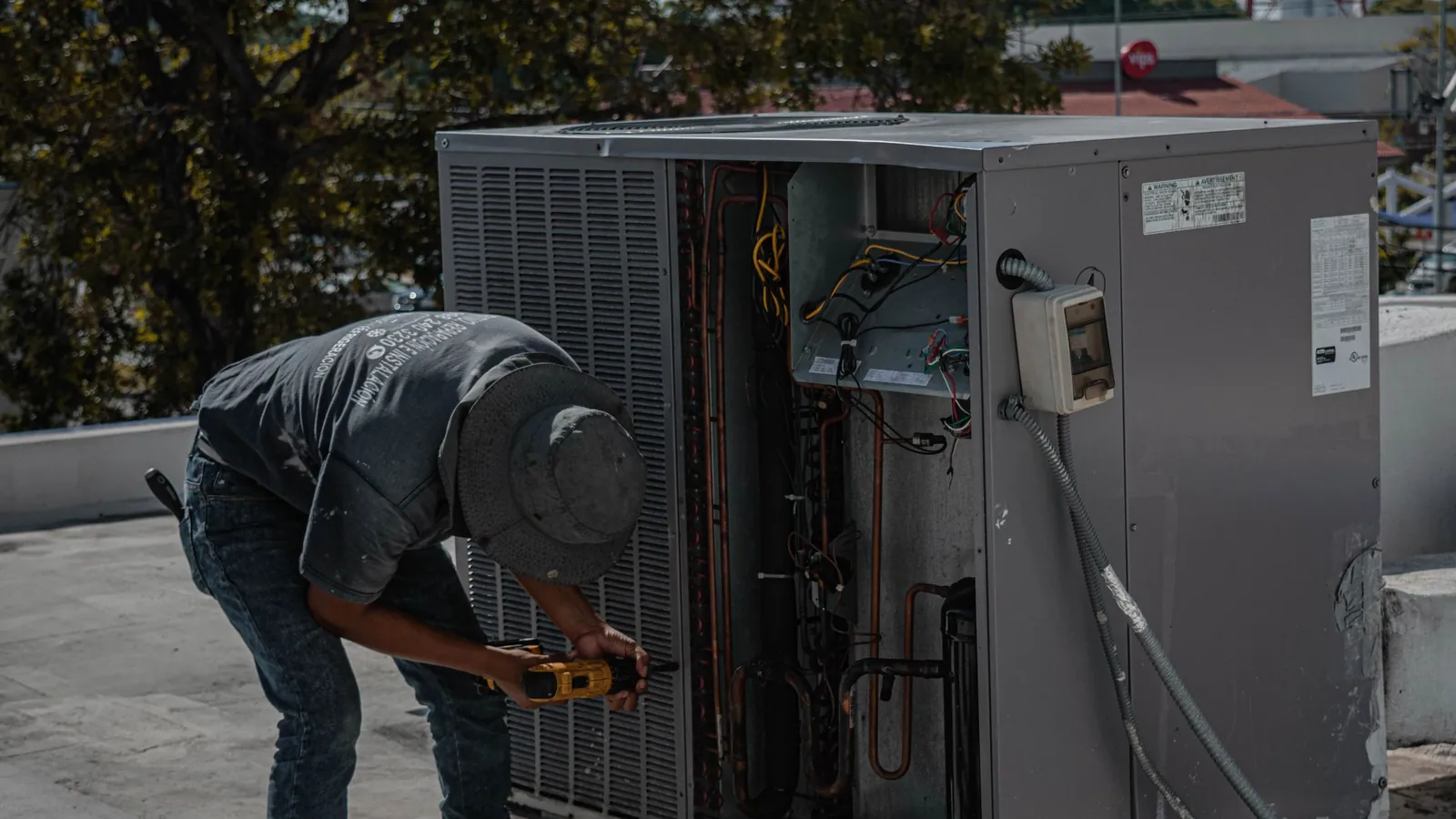
Most of what a customer pays you over the life of a product arrives after the sale: service contracts, parts, renewals, the next unit. Most of your support contacts arrive then too. A unit is making a noise. A part number doesn't match the manual. Someone wants to know if a repair is covered.
The typical support bot was built from the sales side, out of the catalog, the FAQ and the pricing page. It can tell a customer what the model does. It can't tell them that their unit went in during March 2023, had its compressor replaced last summer, and is still under the extended warranty. So the customer waits for a person who has to open three systems to find that out, and your most expensive staff time goes on lookups.

The cost shows up in places finance can see. Repeat calls about the same unit. Truck rolls for problems a remote answer would have fixed. Warranty claims paid or refused on a guess, because nobody had the history in front of them when the call came in.
Why this is a CX-Builder use case
The agent you want answers from the customer's installed unit. When a customer or a field technician asks a question, it identifies the asset by serial number, site or account, pulls that asset's record, and answers against the manual for that exact model and the service history for that exact unit.
In CX-Builder that is one flow. A RAG pipeline over your manuals, service bulletins and warranty terms, filtered to the right model. Tool calls into the system of record, whether that is a maintenance system, a field service tool or the ERP, for install date, past work orders and warranty status. A human-in-the-loop gate in front of anything that costs money: dispatching a technician, approving a warranty replacement, ordering a part. And because it runs on your own infrastructure, service records and customer site details stay with you.
What this looks like if you build it
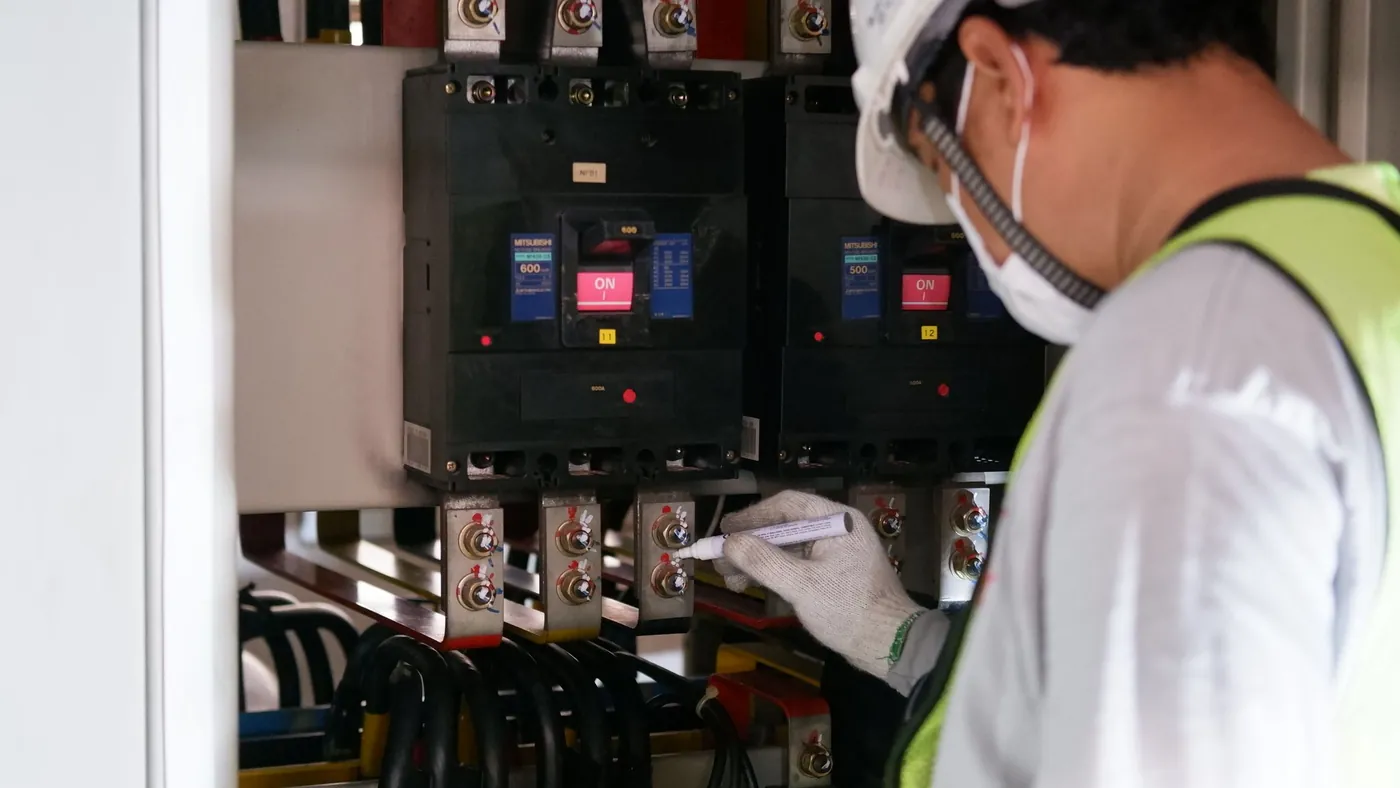
An agentflow with a document store per product line, where manuals and bulletins carry model metadata so retrieval pulls from the right unit's documents. Custom tools or an MCP connection to the maintenance system let the agent read an asset record and draft a work order. A condition step routes warranty and dispatch decisions to a person for approval, with the agent's proposal and its evidence attached.
Start read-only. The agent looks things up and drafts, and people act. Write access comes later, one action at a time, once the drafts have earned it.
The takeaway
Pull twenty recent support contacts about products your customers already own. For each one, write down what an agent would have needed to answer it: serial number, install date, last repair, warranty status. If those facts sit in a system your support bot can't read, connecting it is your first project this quarter, ahead of any model upgrade.